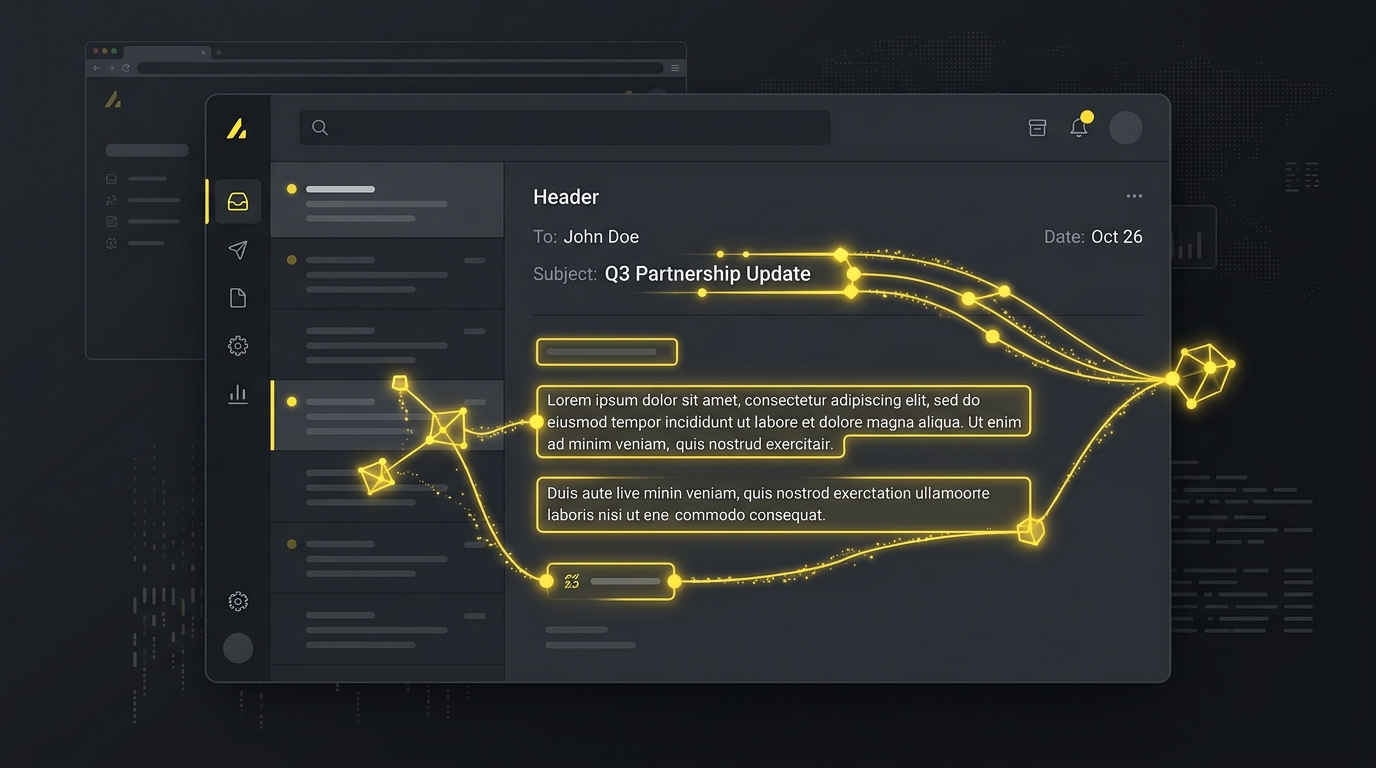
The phrase "AI personalization" has been so thoroughly diluted by marketing copy that it has almost lost meaning.
Every cold email tool launched in the past two years claims to offer "AI-powered personalization." What most of them mean is: they have a merge field for the prospect's first name and maybe their company name, generated by GPT with a prompt so generic the output is indistinguishable from a template.
That is not personalization. That is mail merge with extra steps.
Real AI personalization - the kind that produces emails that get genuine replies - is something different. This article explains what it actually is, what it requires to do well, and how InvokeIQ implements it.
What Personalization Actually Does (And Why It Matters)
Before explaining AI personalization, it is worth being precise about what personalization actually accomplishes in a cold email context.
The goal of personalization is not to make the prospect feel good or to signal that you did research. The goal is to break the "template pattern" recognition that every experienced B2B buyer has developed.
When someone receives a cold email, they make a split-second judgment: is this a templated blast, or did a real human write this specifically for me? This judgment happens in the first 1-2 seconds of reading, usually based entirely on the subject line and the opening sentence.
If the email pattern-matches to "template", it gets archived without being read. If it pattern-matches to "human wrote this for me", it gets read.
Personalization is the mechanism that shifts the email from one category to the other. And because the judgment happens in the first sentence, that is exactly where personalization has to appear.
The Anatomy of a Genuinely Good Personalized Opener
A personalized first line has three characteristics:
1. It references something specific about this specific company or person. Not "I noticed your company is in the SaaS space." Everyone in the SaaS space is in the SaaS space. That is not specific.
Specific means: "I saw that Acme raised a Series B last month - that's a big expansion moment, congrats." Or: "Read your recent post on reducing SDR ramp time - the point about discovery call structure was exactly the problem we hear most from teams at your stage."
2. It is the kind of thing a human would actually say. AI-generated openers often have a particular tell: they are slightly too formal, slightly too complete, slightly too perfectly constructed to sound like they came from a busy founder sending an email between meetings.
Good AI personalization mimics human imprecision. A real first line might be: "Saw your LinkedIn post about the pipeline drought in Q3 - feels like half the sales teams I've talked to this month are dealing with the same thing." That sounds like a person. "I noticed that your recent LinkedIn post discussed pipeline challenges in Q3, which resonated strongly with me" does not.
3. It creates a natural bridge to your pitch. The opener is not just pleasantry. It should create a logical connection between what you observed about the prospect and the problem your product solves. Otherwise the email reads as a compliment followed by a non-sequitur.
How Most "AI Personalization" Falls Short
Here is the problem with most AI personalization implementations in cold email tools:
They use a single, generic prompt. Something like: "Write a personalized opening line for a cold email to [first name] at [company]. Their website is [website URL]."
GPT4 or Claude running that prompt will produce output like:
"I was checking out [Company]'s website and was really impressed by your work in [industry]."
This is technically AI-generated. It technically references their website. But it pattern-matches immediately to "template" because:
- It is vague ("really impressed" by what, specifically?)
- The research is surface-level (just the website homepage)
- The sentence structure is a well-known cold email formula that every buyer has seen hundreds of times
The result of deploying this kind of "personalization" at scale is actually worse than sending a clean, honest template without personalization - because now the email reads as both fake-feeling and sycophantic.
What Good AI Personalization Requires
To produce genuinely good AI-generated opening lines, you need three things:
1. Real Data Sources, Not Just Website Scraping
The quality of AI personalization is limited by the quality of the input data. If the only data you give the AI is a homepage URL, the output will be generic. If you give it:
- Recent LinkedIn posts by the prospect
- Company news from the past 6 months
- Job postings (which reveal organizational priorities)
- Their product's recent feature releases or G2 reviews
- Specific data columns you've researched manually (recent funding, leadership changes, market expansion)
The output becomes dramatically more specific and useful.
2. A Custom Prompt That Encodes Your Voice
The prompt that generates the opening line should be designed specifically for your product, your ICP, and your tone. A generic prompt produces generic output.
A well-designed prompt might look like:
"Write a 1-2 sentence cold email opener for a message from Vishal at InvokeIQ (a cold email automation tool). Reference something specific about [company] from the following data: [data]. Connect it to one of these common pain points for [job title]: [list of pain points]. Do not start with 'I' or 'Hi'. Keep it under 25 words. Sound like a founder writing on their phone, not a copywriter."
Every word of that prompt matters. The data specificity, the pain point anchoring, the tone instruction, the format constraint - each one pulls the output toward something that sounds human and is specific to the prospect.
3. Human Review at the Edge Cases
Even a well-designed system produces output that occasionally misses. The prospect whose LinkedIn profile is sparse. The company whose website is a placeholder. The data that is 18 months stale.
A good AI personalization workflow includes a review step where you scan the generated lines before sending, filter or manually edit the ones that are obviously off, and give clear signals back to the system about which patterns are working.
How InvokeIQ's AI Columns Work
InvokeIQ's AI Columns system is built around the principle of giving you full control over the prompt and the data sources.
Here is how it works in practice:
Step 1: Define your data columns. You upload a contact list with columns like company_website, linkedin_url, recent_news, job_posting, or any custom field you have researched.
Step 2: Create an AI Column. Write a custom prompt that describes exactly what you want the AI to generate. This can be an opening line, a subject line variant, a pain point reference, a compliment, or anything else that serves your campaign.
Step 3: Run the generation. InvokeIQ processes each contact through your prompt using the data columns you specified. The output appears as a new column in your contact list - one unique value per contact.
Step 4: Review and edit. You can see all generated values in the table view, sort by quality score, filter for short or long outputs, and edit individual values that need a human touch.
Step 5: Insert into your sequence. Use {{ai_opener}} or whatever you named your column as a variable in your email body. Every contact gets their unique AI-generated line.
The result is an email campaign where every opening line reads as genuinely researched - because it is, at whatever depth the data you provided supports.
Real Examples: Generic vs. Good AI Personalization
Here are three side-by-side examples to illustrate the difference.
Prospect: Sarah Chen, VP of Sales, Acme Software (recently posted on LinkedIn about SDR ramp challenges)
Generic AI opener: "I came across Acme Software's website and was impressed by what you're building in the software space."
Good AI opener: "Your LinkedIn post about 90-day SDR ramp time hit home - that's exactly the pattern we see when teams are managing sequences manually."
Prospect: James Park, Founder, BuilderOS (just raised a $4M seed round)
Generic AI opener: "I noticed BuilderOS is doing great work in the construction tech space."
Good AI opener: "Congrats on the seed round - that's a big moment. Most founders at this stage start thinking seriously about outbound for the first time."
Prospect: Maria Santos, Head of Growth, CartLoop (recently posted a job for an SDR)
Generic AI opener: "I was checking out CartLoop and found your approach to growth really interesting."
Good AI opener: "Saw you're hiring an SDR - signals you're building out an outbound motion. Curious what your sending infrastructure looks like before that hire comes on."
The difference is immediately obvious. The generic versions say nothing that the prospect could not have guessed. The good versions prove you (or your system) did research and connect that research to a relevant problem.
The Honest Limitation
AI personalization at scale will never be as good as a genuinely hand-researched email written by someone who spent 20 minutes researching a specific prospect before sending.
That is not the comparison to make. The comparison is: AI personalization at scale vs. the generic template you would actually send to 200 people if you did not have an AI personalization system.
On that comparison, a well-implemented AI personalization system wins significantly. It is not perfect. But it is measurably better than the alternative at scale.
The goal is not to replace the judgment of a good salesperson. The goal is to make 200 emails feel like they were written by someone who cared enough to look.
Getting Started
If you want to see what AI Columns looks like on your actual contact list, start a free InvokeIQ trial and run the AI Column generator on your first 20 contacts. Review the output and edit any lines that are off before your first send.
The quality of the output will tell you more about the power of well-prompted AI personalization than any article can.
Written by Vishal Raghuwanshi
Founder, InvokeIQ
Vishal Raghuwanshi is a software entrepreneur and B2B sales infrastructure expert focused on email deliverability, automation, and outbound strategy.
Tags
Get the weekly brief
Enjoyed this article?
One email per week with the best cold email strategies, templates, and deliverability tips.